SL Professional for Maltego Update #6
Over the years, SL Professional for Maltego has evolved into something we are truly proud of. However, we are relentlessly working to tweak it, add new features, and generally improve the overall functionality. To this end, February has proved itself to be a very productive month, with a host of great new transforms being added:
So, let’s take a closer look!
We have introduced a new TikTok transform allowing users to extract and explore the music content of a given video. This means you can establish a range of interesting connections such as videos that share the same musical content as well as details of the music itself.
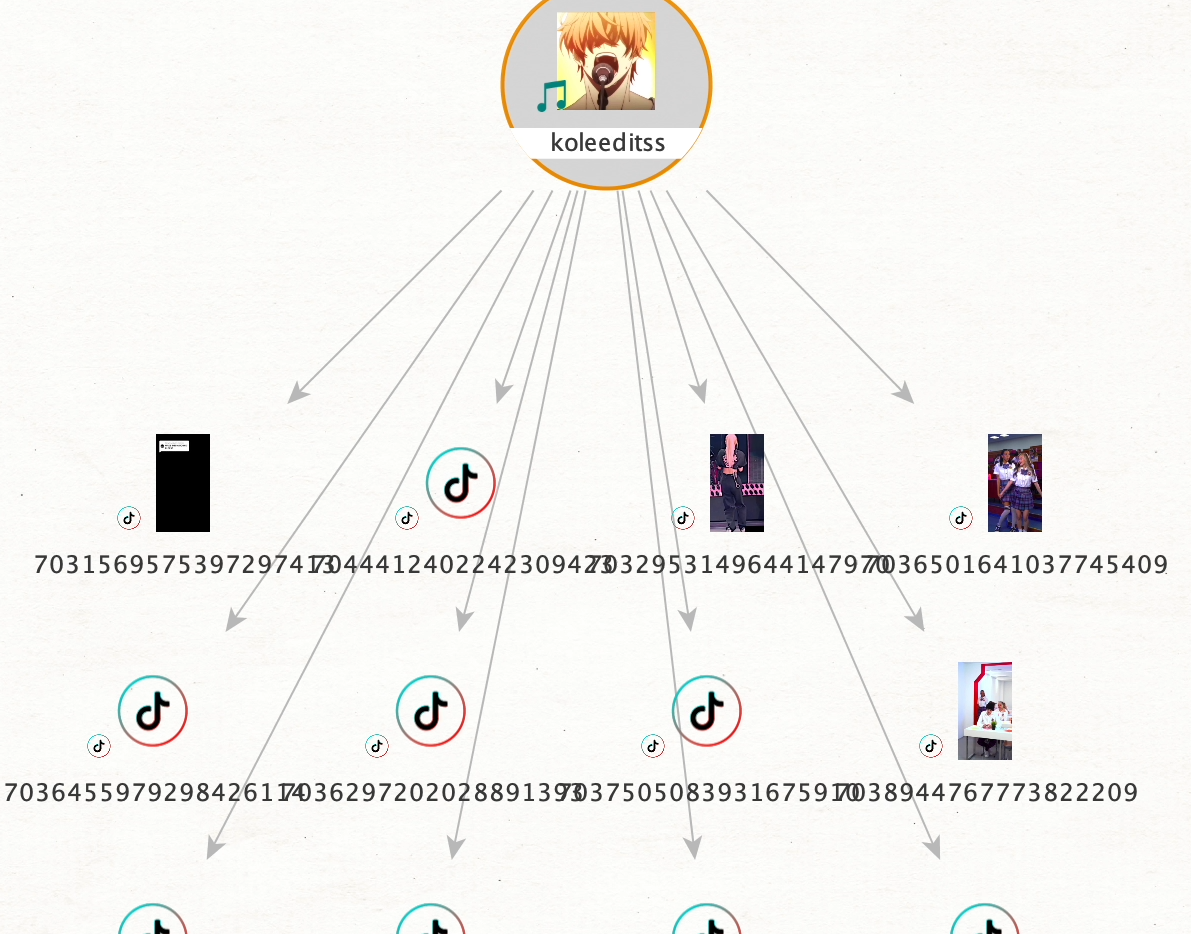
How it works: Let’s say our starting point or initial input data is the TikTok alias of a famous blogger. Our first step is to drag an alias entity onto the Maltego graph area and enter the title in question. Then, by running [TikTok] Get Profile, we can unpack the subject’s profile and view the connected posts.
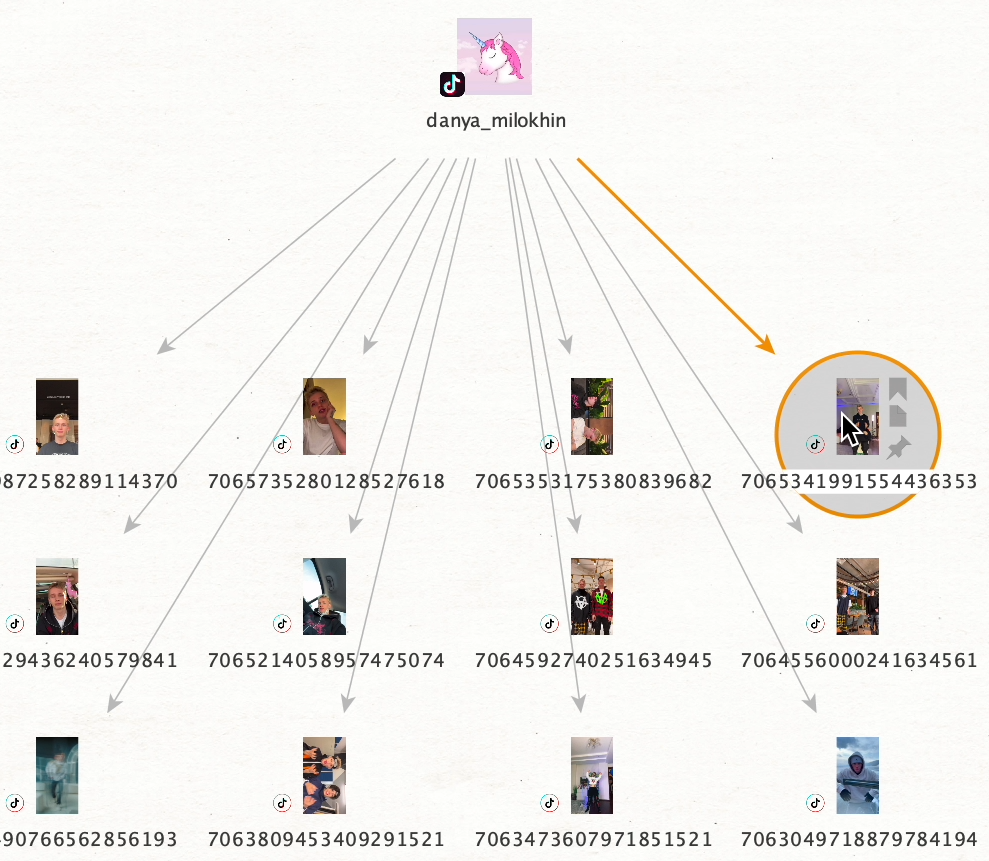
This means we can now isolate the music and explore it as a separate entity. We have added new transforms so that you can now run transforms from ‘the music ID’ of a post to determine a host of connected data such as track name, track artist, and other posts which share the same music.
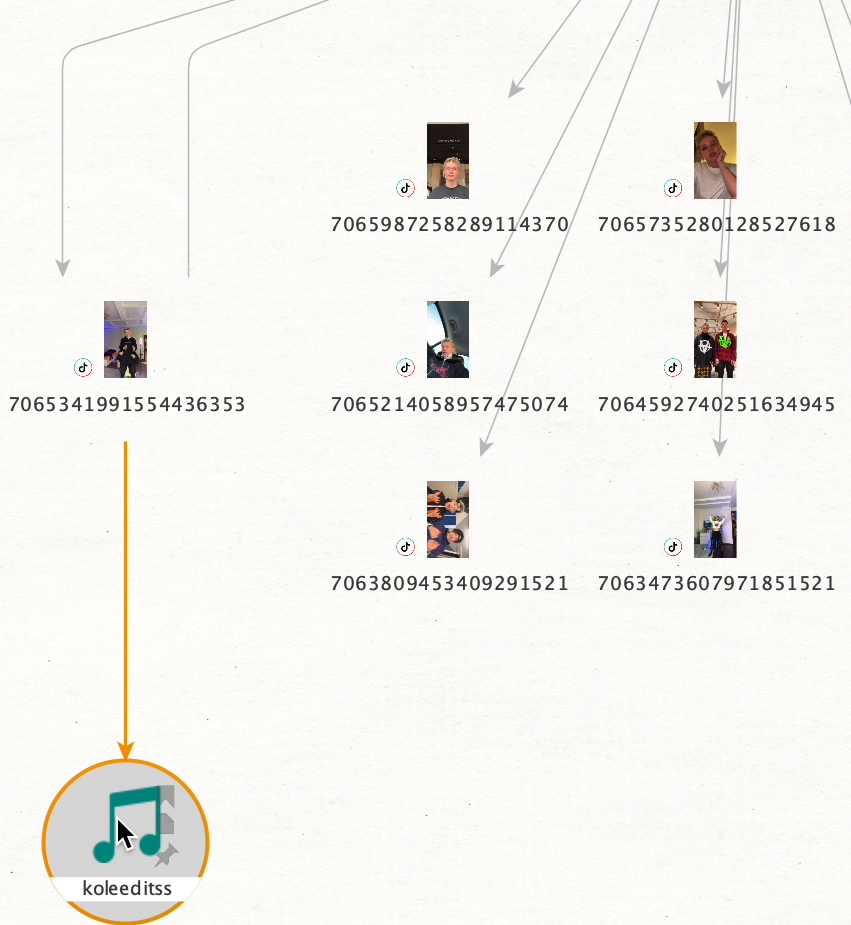
To view posts which share the same track we simply export the music ID entity into a new graph then run the transform [TikTok] Get Posts.
As you probably know, Facebook has a ‘hide friends’ feature which enables users to mask individuals from their friend list, so they cannot be viewed by other users.
This has been an issue for open-data extraction tools which have essentially been blind to these hidden connections. Until now. We have developed an innovative new transform, designed to get around this specific issue.
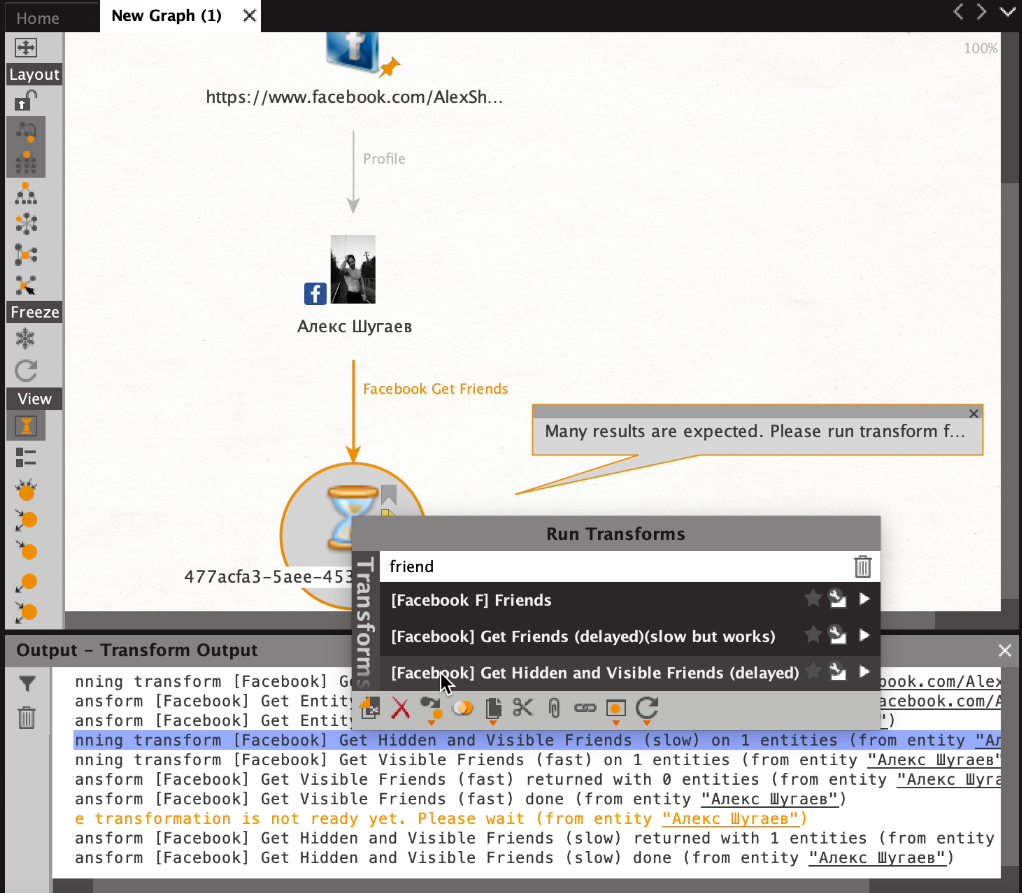
How it works: First we need to drag an appropriate entity onto the Maltego graph space, into which we copy and paste the link to the Facebook profile in question. From here we run the transform [Facebook] Get Entity to extract the profile.
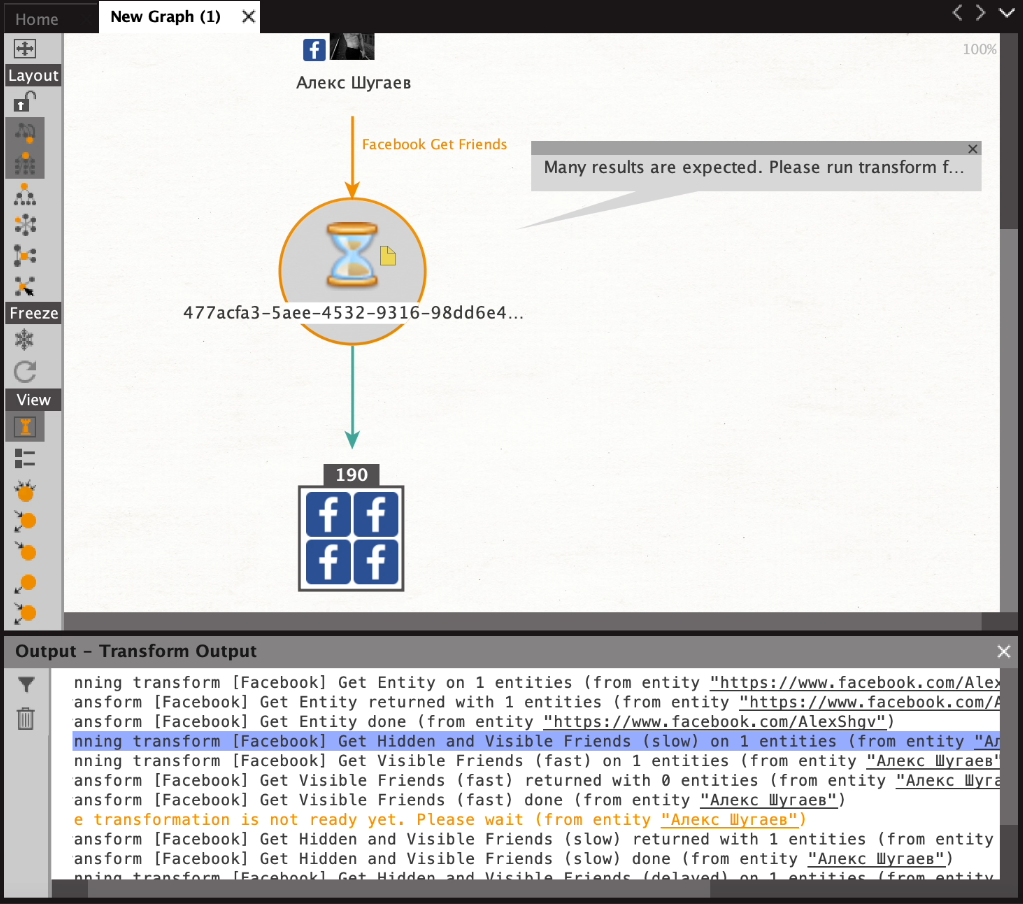
Next, we just run the transform [Facebook] Get Hidden And Visible Friends, which will take a little longer than normal transforms (it's okay). After two minutes you should have received a deferred entity to which you then apply the transform [Facebook] Get Hidden And Visible Friends (Delayed). This will give you a subject’s entire friend list including those which are hidden.
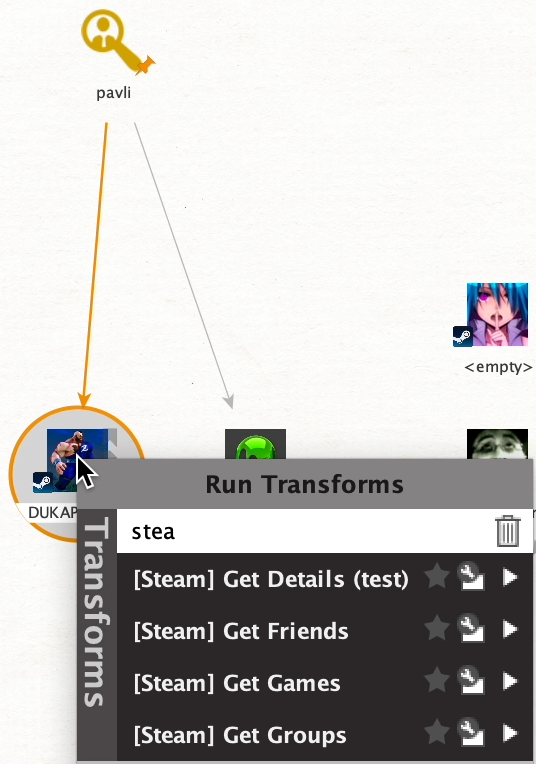
Great news! We have brought a completely new data source to SL Professional for Maltego: the popular video game distribution service Steam. With the brand new transform [Steam] Get Profile a host of information can be extracted including friends, groups and favorite games, and more. Steam accounts are often useful in cases of fraud and money laundering.
How it works: To begin with, we need to drag a Steam ID from the entity palette to the graph space. Next, we enter the copied link, ID or Alias of the profile of interest from the Steam page and run the transform [Steam] Get Profile.
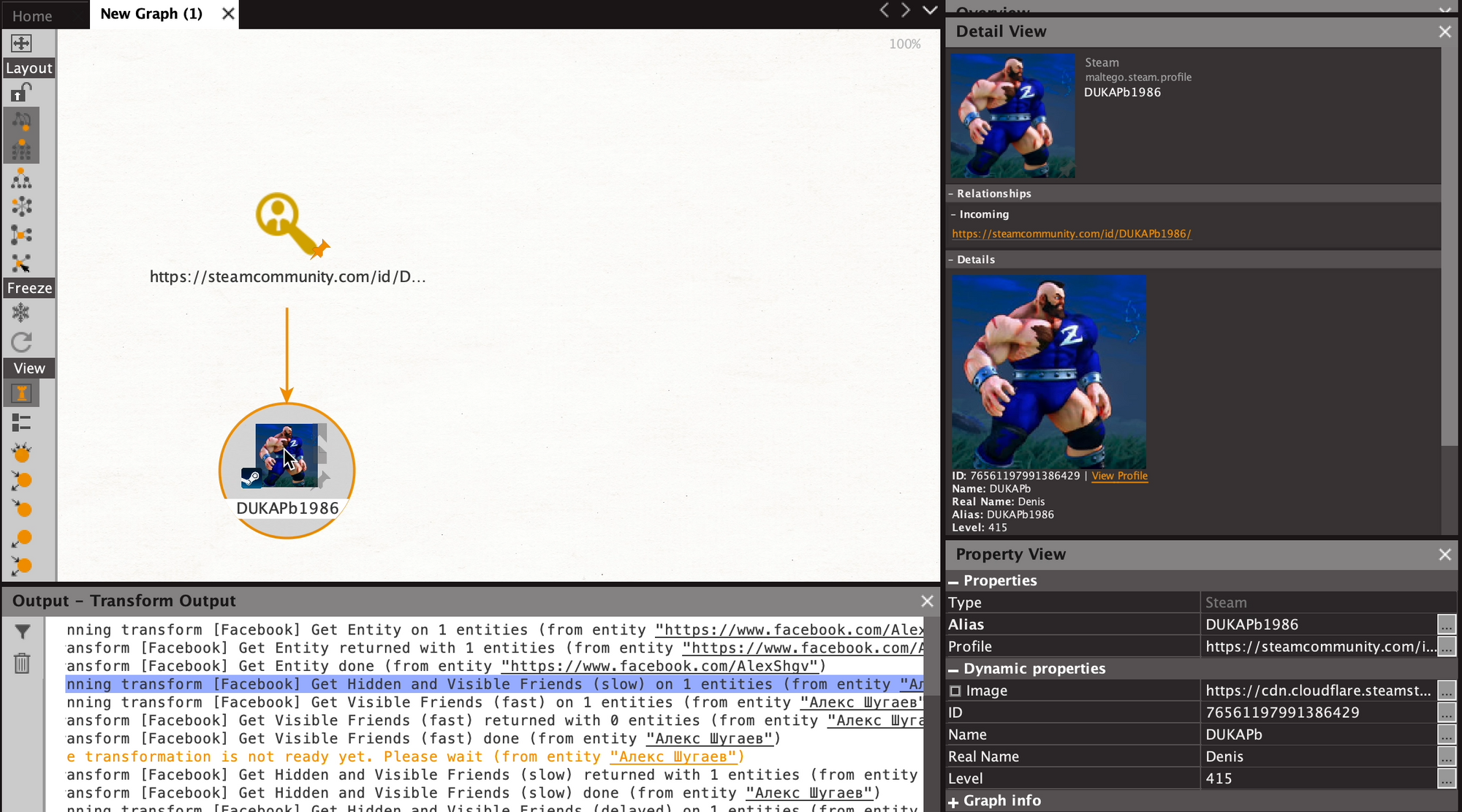
From this new entity we can now run a number of transforms to extract a variety of data including friends, groups and favorite games.
That's all for February’s updates and we hope these new features are of real value in helping you achieve your investigative goals!